> ## Documentation Index
> Fetch the complete documentation index at: https://docs.charlielabs.ai/llms.txt
> Use this file to discover all available pages before exploring further.
# Vercel Integration
> Charlie ships via Vercel previews and production deploys out of the box - zero extra seats, tokens, or configuration.
## What Charlie can do
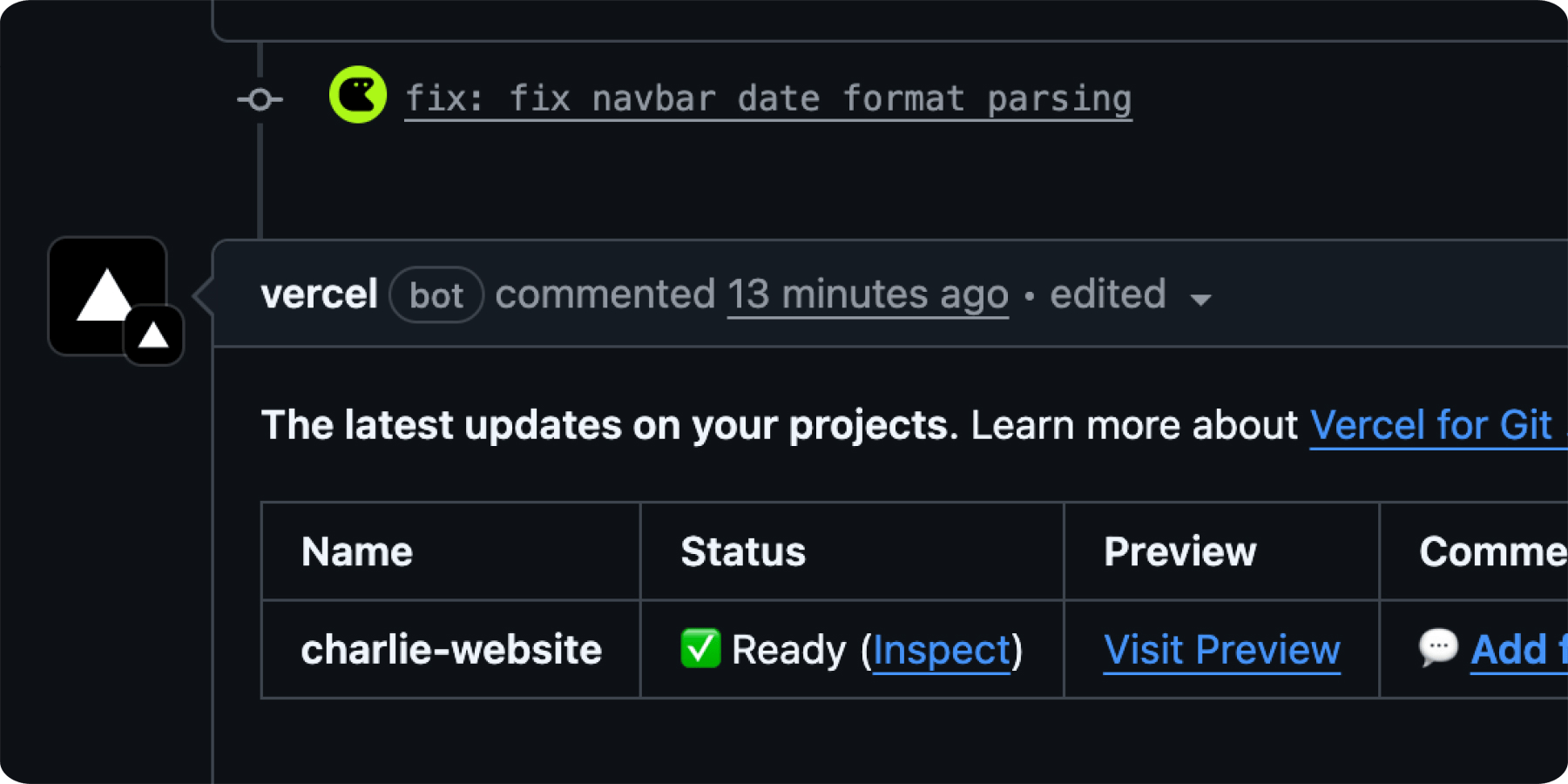
* **Automatic preview URLs** - Every branch Charlie opens spins up a Vercel preview so you can click, test, and iterate instantly.
* **Hands-free production deploys** - Merge the PR and Vercel ships to prod; Charlie never needs to join your Vercel team.
* **One seat, one flow** - Charlie acts only through GitHub, so your Vercel billing and permissions stay exactly as they are.
* **Tighter feedback loop** - Review the code, open the preview, ship the fix - all in one pass.
## Quick Setup
Good news - there is nothing to configure.
### Ensure the Vercel GitHub App is installed
If your repository already has the [Vercel GitHub App](https://github.com/apps/vercel) installed you are done - Charlie will automatically trigger builds and deployments whenever he pushes commits or opens a PR.
No API tokens, seats, or additional permissions required.